
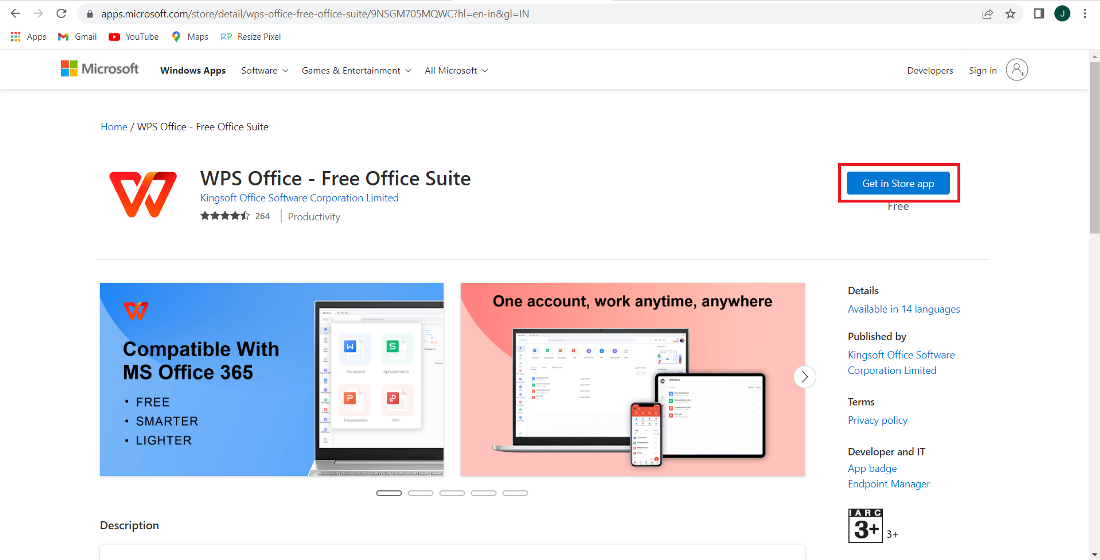
In today’s fast-paced educational environment, teachers face the constant challenge of managing their lesson plans efficiently while ensuring that students receive high-quality instruction. Traditional methods of preparing lessons, grading assignments, and organizing classroom resources can be time-consuming and often overwhelming. This is where WPS emerges as a powerful ally for educators. By leveraging its suite of tools, teachers can streamline lesson planning, enhance productivity, and focus more on teaching rather than administrative tasks.
Simplifying Lesson Creation
One of the most time-intensive tasks for teachers is creating lesson plans that are both engaging and structured. WPS offers a versatile word processing tool that allows educators to draft, edit, and format lesson plans with ease. With features such as templates, auto-formatting, and style management, teachers can quickly produce professional-looking lesson documents. Templates specifically designed for educational purposes can save hours, providing ready-made structures for daily lessons, weekly schedules, or unit plans.
Moreover, WPS supports multimedia integration, enabling teachers to embed images, charts, and even videos directly into lesson plans. This ensures that lessons are not only well-organized but also visually engaging, catering to different learning styles. By consolidating all resources in one document, teachers can reduce the time spent switching between multiple programs and focus on content quality.
Organizing Curriculum Materials
Efficient lesson planning is not just about writing plans; it also involves organizing a large volume of curriculum materials. WPS includes tools for document management that help teachers categorize lesson plans, worksheets, and supplementary resources in a logical and easily retrievable manner. By creating folders, subfolders, and tags within the application, teachers can maintain an organized digital library that is accessible anytime.
Search and navigation features in WPS further enhance organization. Teachers can quickly locate past lesson plans, assignments, or reference materials by using keywords or filters, eliminating the frustration of searching through stacks of paper or multiple files. This level of organization ensures continuity in teaching and allows for smoother transitions between lessons.
Collaborative Planning and Sharing
Modern classrooms often require collaboration among teachers for coordinated instruction. WPS facilitates this by enabling easy sharing and collaboration on lesson plans. Teachers can share documents in real-time with colleagues, allowing for joint editing and instant feedback. Whether planning cross-subject projects or aligning lesson objectives within a department, WPS makes collaboration seamless.
Additionally, WPS supports cloud storage, which means lesson plans and resources can be accessed from anywhere, whether at school, home, or on the go. This cloud-based approach ensures that teachers always have the latest version of their lesson plans and can continue working without interruption, even outside the classroom.
Time-Saving Automation Features
Automation is a critical advantage when it comes to lesson planning. WPS offers features such as auto-saving, formatting shortcuts, and macros that significantly reduce repetitive tasks. For example, teachers can set up standard headers, footers, and lesson layouts that apply across multiple documents. This eliminates the need to repeatedly format each lesson from scratch, saving valuable time.
Additionally, WPS supports batch processing, which is especially useful for grading or distributing assignments. Teachers can create multiple worksheets or reports simultaneously, allowing them to focus more on instructional strategies rather than administrative work.
Enhancing Visual Learning Materials
Effective lesson plans are more than text; they incorporate visual elements that enhance student understanding. WPS includes a rich suite of tools for designing charts, tables, and diagrams that complement lesson content. For subjects like science, mathematics, or social studies, these visual aids help convey complex concepts clearly.
Teachers can also annotate documents, highlight key points, and insert interactive elements into digital lesson plans. This makes lessons more dynamic and interactive, catering to students who benefit from visual and hands-on learning approaches. By integrating visual elements directly within the lesson plan, WPS reduces the need for separate software and simplifies lesson preparation.
Streamlining Assessment and Feedback
Lesson planning does not end in the classroom; it extends to evaluating student performance. WPS simplifies the creation and organization of assessments, quizzes, and grading sheets. Teachers can design standardized templates for assignments and tests, ensuring consistency and saving time on formatting.
Feedback can also be streamlined with WPS. Teachers can annotate student submissions digitally, providing comments, corrections, and suggestions directly on the documents. This reduces paper usage, speeds up grading, and ensures that feedback is clear and actionable. Cloud storage ensures that feedback is instantly accessible to students and can be tracked over time for performance analysis.
Customization for Different Teaching Styles
Every teacher has a unique teaching style, and lesson plans must reflect individual approaches to instruction. WPS allows extensive customization, enabling educators to tailor templates, fonts, and layouts according to their preferences. Teachers can create personalized lesson frameworks that match their instructional methods, whether they favor visual, textual, or project-based teaching.
Customization also extends to integrating school-specific requirements. WPS allows teachers to include curriculum standards, assessment criteria, or special notes within lesson plans. This flexibility ensures that lesson plans are not only efficient but also aligned with institutional expectations.
Supporting Remote and Hybrid Learning
The rise of remote and hybrid learning has added new challenges for teachers, including the need to provide digital lesson plans accessible from anywhere. WPS supports cloud-based workflows, allowing teachers to distribute lesson materials electronically to students, whether for in-person classes or online instruction.
Teachers can convert lesson plans into PDF or other widely compatible formats, ensuring that students can access them across different devices. Interactive features, such as embedded links or multimedia, enhance engagement even in virtual learning environments. This adaptability makes WPS an essential tool for modern classrooms, where flexibility and accessibility are key.
Conclusion
In an era where teachers are required to balance instructional quality with administrative efficiency, WPS offers a comprehensive solution to streamline lesson planning. From simplifying lesson creation and organizing curriculum materials to facilitating collaboration, automation, and visual enhancements, WPS empowers teachers to manage their workload effectively.
By leveraging WPS, educators can focus on what truly matters—teaching and fostering student learning—while reducing the time spent on repetitive tasks. The combination of intuitive design, powerful features, and cloud-based accessibility ensures that lesson planning is not only efficient but also adaptable to the evolving demands of modern education. For teachers looking to optimize their workflow, enhance lesson quality, and maintain organization, WPS is an indispensable tool that transforms the way lesson plans are prepared and executed.